HubSpot TCO in 2026: The Definitive Cost Breakdown (3 Real Scenarios)
If you're evaluating HubSpot in 2026, the HubSpot pricing page is often inaccurate.

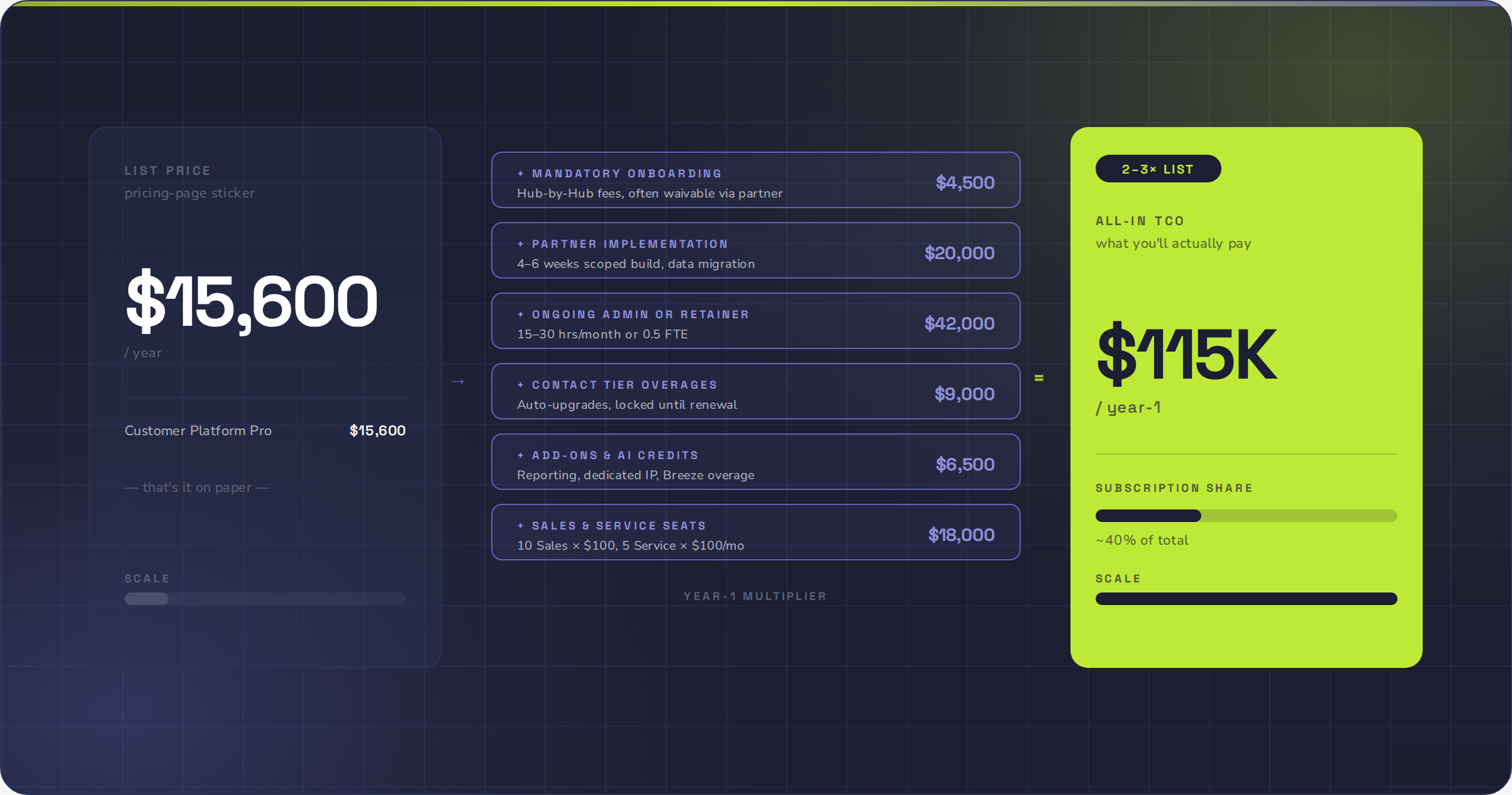
If you're evaluating HubSpot in 2026, the HubSpot pricing page is often inaccurate.
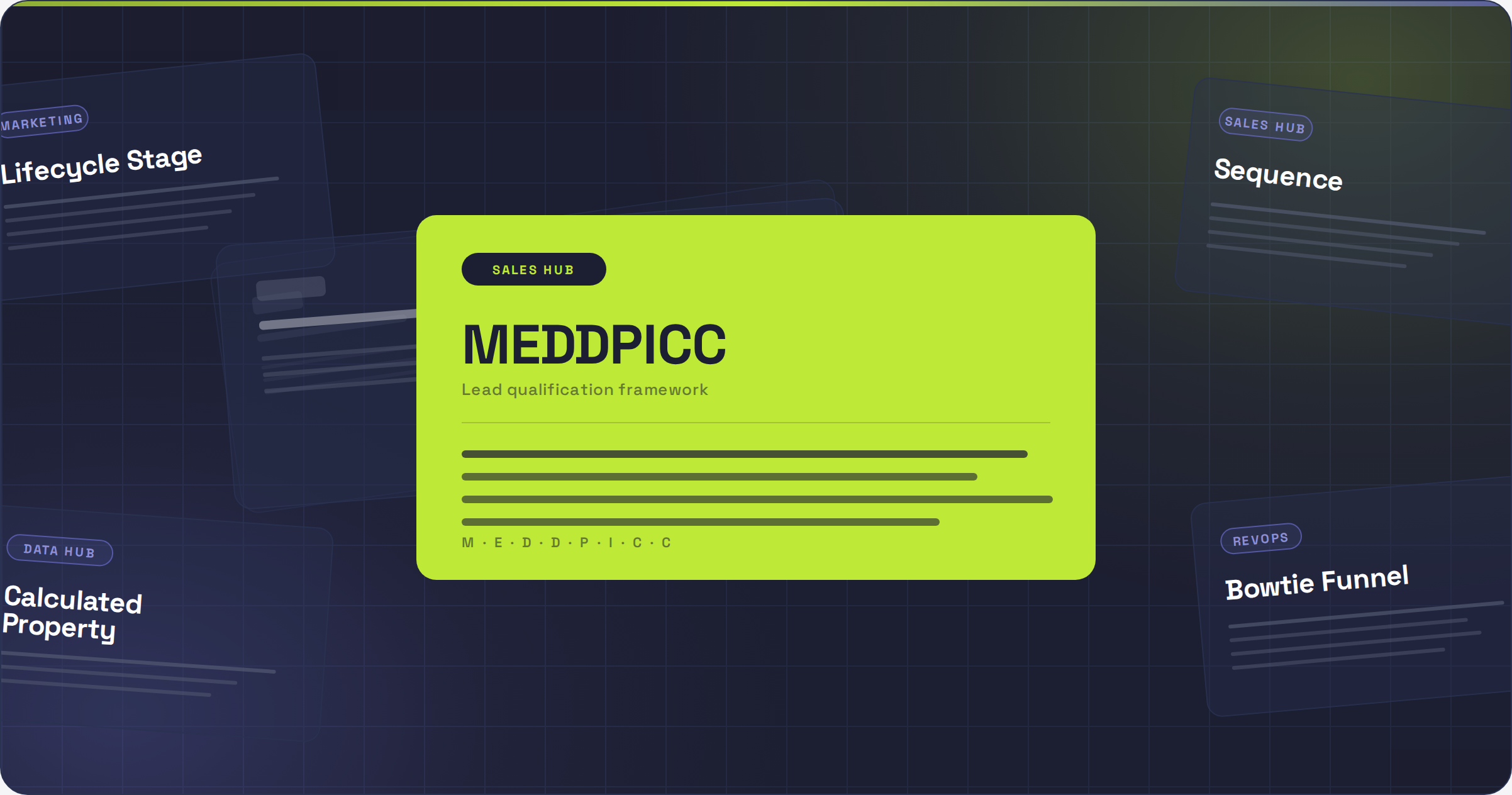
Welcome to the most complete HubSpot and RevOps glossary on the internet! Whether you're onboarding into your first HubSpot admin role, leading a RevOps function, or just trying to communicate clearly across sales, marke…
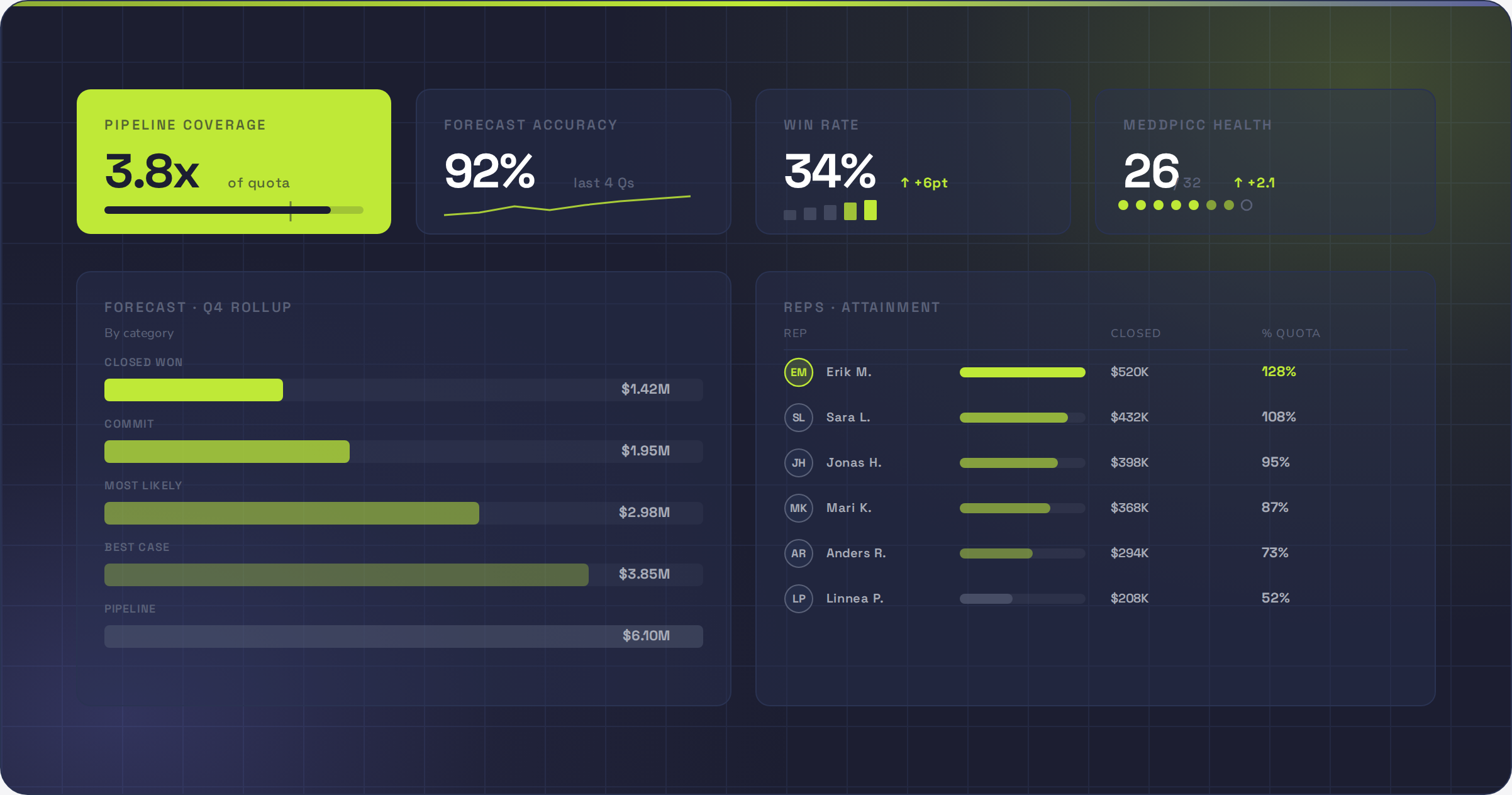
This is the complete guide to HubSpot Sales Hub for sales directors in 2026.
HubSpot Sales Hub onboarding costs €1,470 (Professional) or €3,420 (Enterprise) — and it's mandatory.
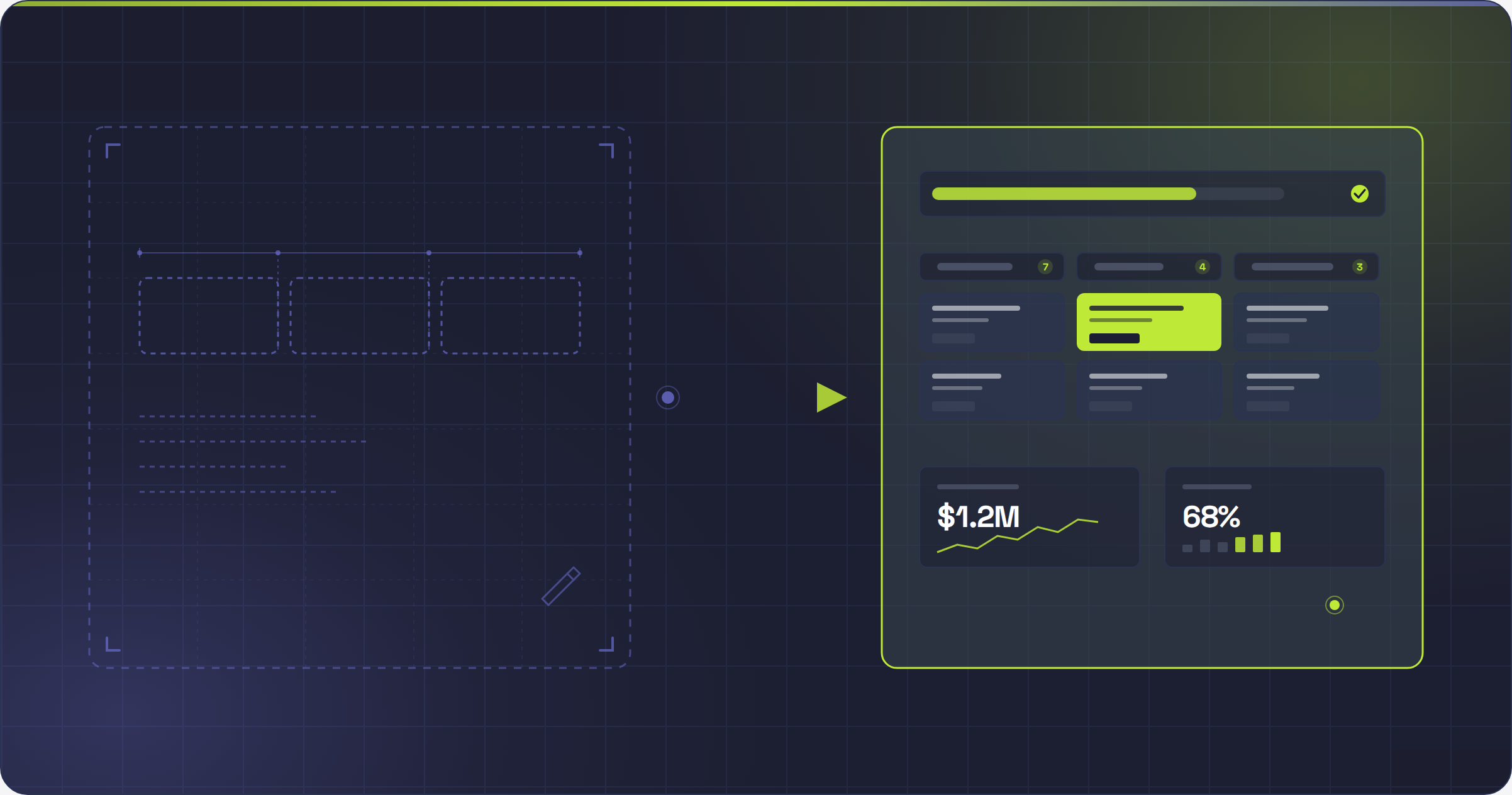
Picking the wrong HubSpot Sales Hub partner is expensive. You'll burn 6 months. You'll blow through your scope-of-work twice. And your reps will quietly go back to the spreadsheet. This guide ranks the 10 best HubSpot Sa…
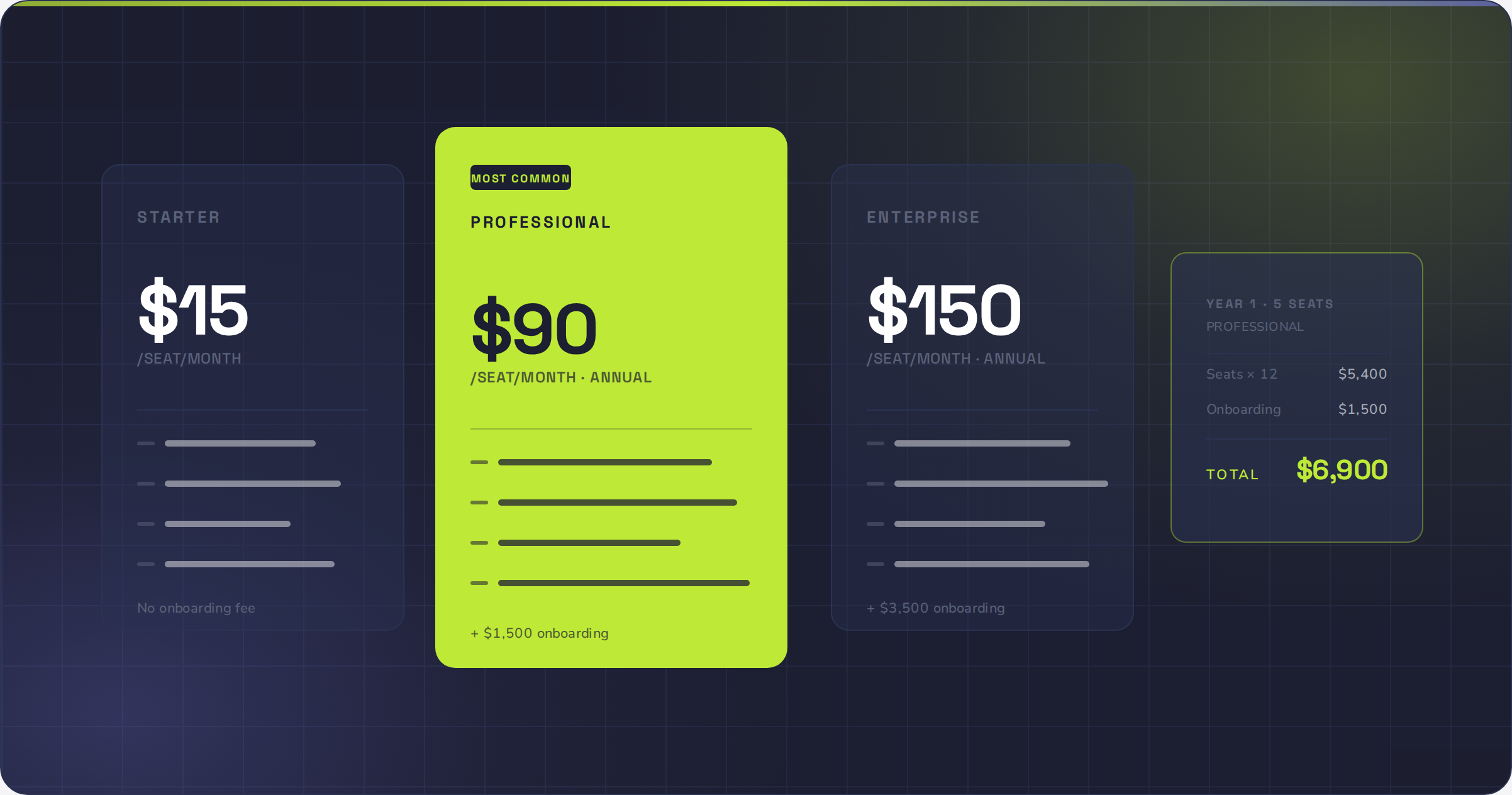
A 5-seat Sales Hub Professional team pays €6,800 in Year 1 at list price. That's annual billing, including the mandatory €1,400 onboarding fee. A 10-seat Sales Hub Enterprise team pays €21,300 all-in.
Choosing between HubSpot Marketing Hub and SuperOffice Marketing is harder than it looks. On the surface, they compete for the same buyer: a B2B marketing team that wants email, automation, and a CRM that talks to sales.…
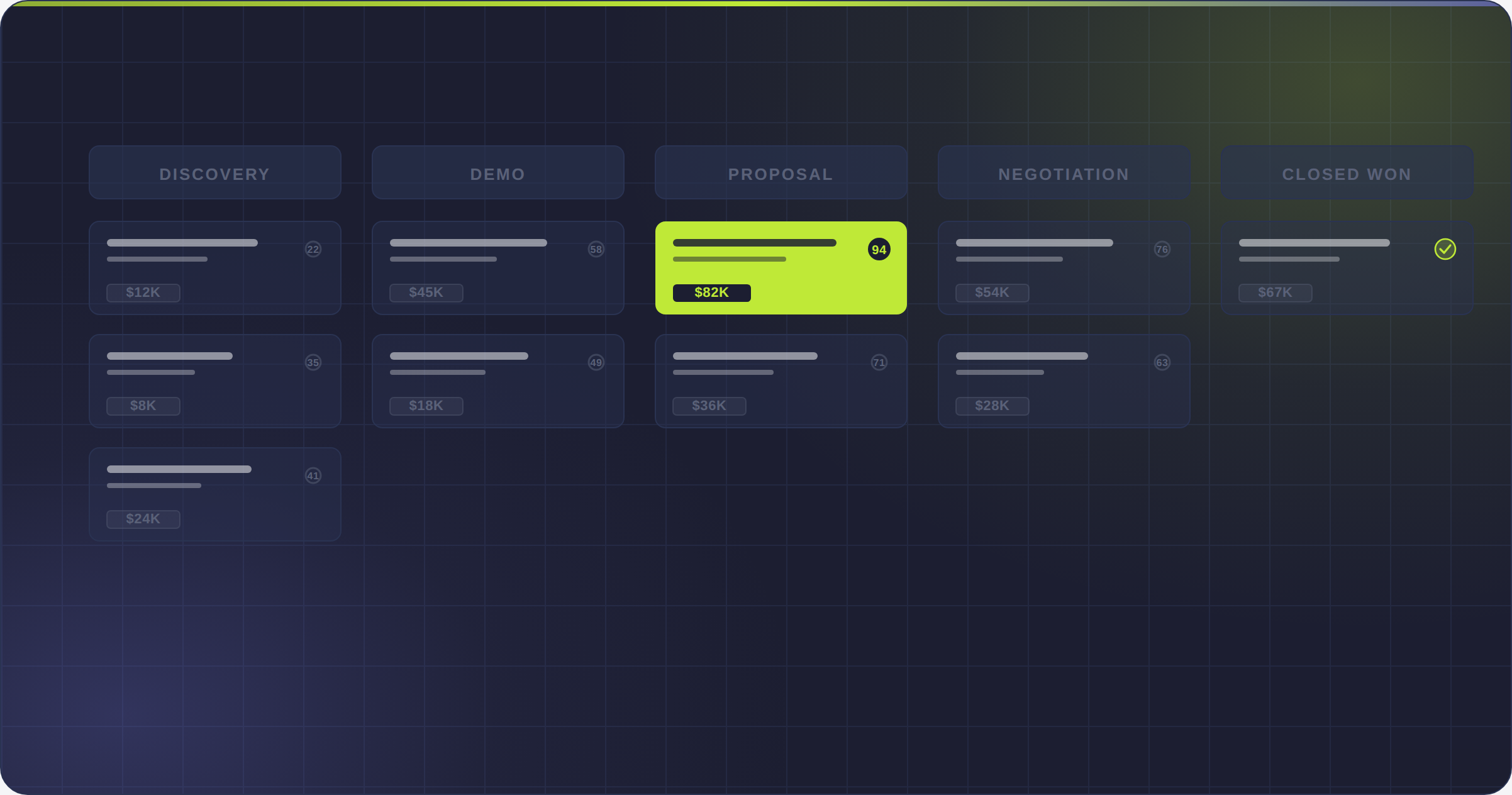
Your reps are spending hours updating spreadsheets, drafting follow-ups from a blank canvas, and guessing which lead to call next. Your pipeline lives in three different tools. Nobody trusts the forecast.